
1. Confirm the finished size before you start
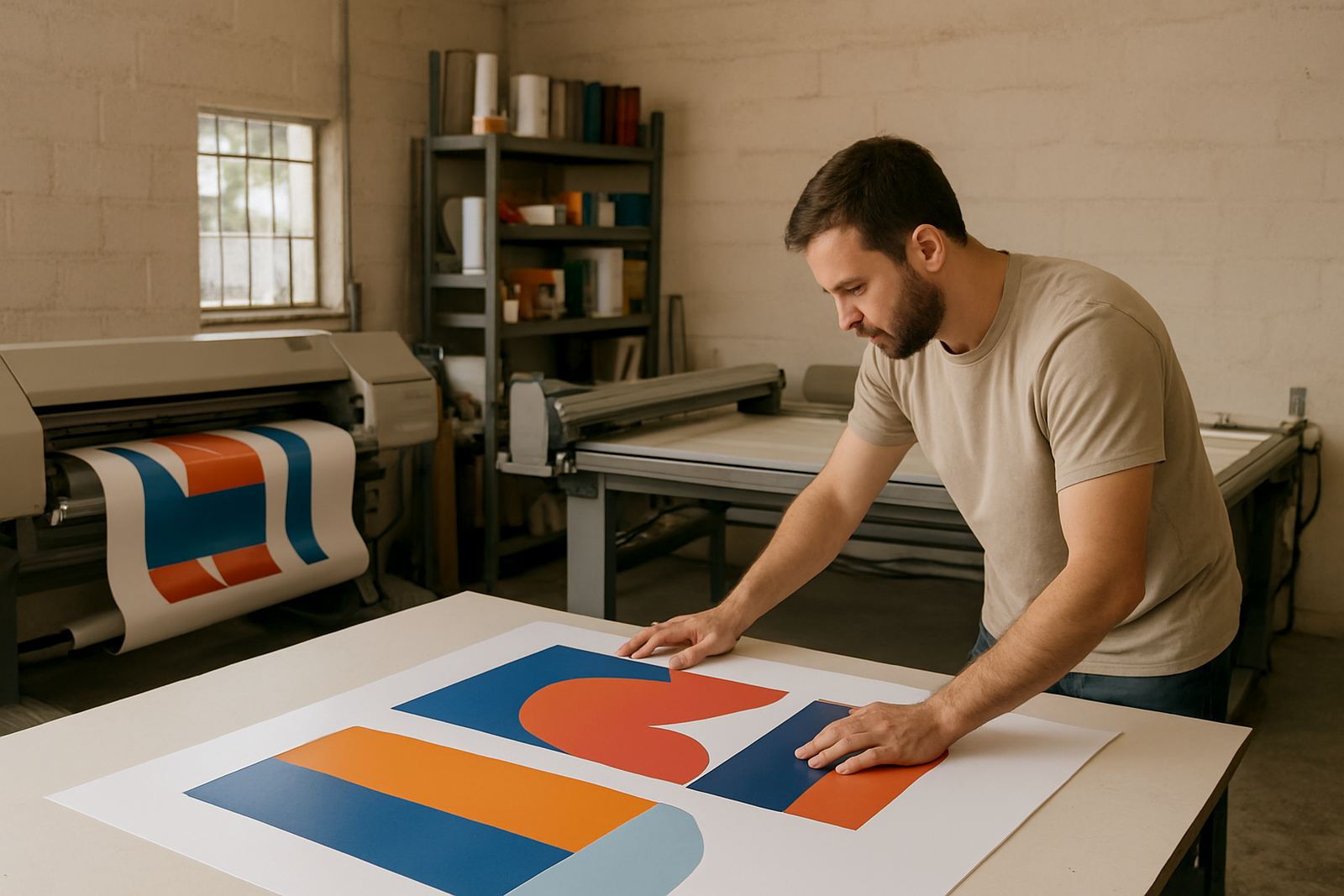
Always set your artwork to the exact finished size from the beginning. A business card, flyer, safety sign or vehicle decal all need different dimensions, and resizing at the last minute can shift text, logos and borders. If you are unsure, write down the final size in millimetres and keep it next to the file name so everyone working on it is on the same page.
For larger items such as banners, light boxes and board signs, check whether the file should be supplied at full size or at a reduced scale. This matters because the resolution and layout need to suit the output method. When the size is correct, trimming is neater and the artwork sits properly on the material.
2. Add bleed and keep text away from the edge
Bleed gives us a little extra image area beyond the cut line, which is useful when a job is trimmed after printing. A safe working allowance is usually 3 mm to 5 mm on small items, and a bit more on some wide format jobs. If your colour block or background stops exactly at the edge, any slight cutting shift can leave a white line. That is a common issue and easy to avoid.
- Extend backgrounds and images past the trim line
- Keep important text, logos and borders inside a safe margin
- Avoid placing small type too close to the edge
- Leave enough room for rounded corners, eyelets or mounting
For vinyl stickers and magnets, make sure there is enough margin so the shape cuts cleanly. If the artwork is going onto a curved panel or a vehicle, we may also need a little extra room for fitment and door gaps. Small details near the edge can get lost once the job is applied.
3. Use the right images and logo files
Photos and logos need to be sharp enough for print. A picture taken from social media or WhatsApp is often too small and may look soft or blocky on a flyer, banner or canvas print. If possible, use the original image file rather than a screenshot. For logos, vector artwork is best because it scales cleanly from a small sticker to a large sign.
- Use high-resolution images for print work
- Send original logo files if you have them
- Avoid screenshots and compressed images
- Check that photos are bright enough and not blurry
If a photo has been cropped too tight, important faces, product edges or lettering can be cut off once the layout is set. It is better to leave a little breathing space in the image than to crop too aggressively. For motorbike decals and vehicle wraps, clean source files help the installer line things up properly around handles, seams and curves.
4. Outline or embed fonts before you send files
Fonts can change if the file opens on a different computer and the typeface is not available. That can affect spacing, line breaks and even spelling if text shifts around in the layout. To avoid this, either outline the fonts or package the file with all linked text and images included. If you are not sure how to do that, send the file as it is and let us check it first.
Also look at the wording itself. A small typo in a company name, number plate or safety notice can cost time and money once the job is printed. We often see files where a date, a unit number or a warning line needs one final read through. That quick check can save a reprint later on.
5. Set colour properly for the print method
Colour on screen often looks different from colour on paper, vinyl or board. Screens use light, while print uses ink or toner, so bright blues, reds and dark greys may shift a bit. For most print jobs, artwork should be set up in CMYK rather than RGB. That gives a better result for business cards, flyers, posters and many signage items.
- Convert artwork to CMYK unless advised otherwise
- Check that blacks are rich enough for large areas
- Do not rely on screen brightness alone
- Ask for a proof if the colour must match an existing sign or vehicle
For work that will sit outdoors in Paarl, Wellington or the wider Boland, colour choice also needs practical thought. Dark colours can hold heat, and lighter colours often show less fade over time. If the sign will face strong sun, coastal moisture or regular washing, let us know so the material and finish can be matched properly.
6. Review the file before submission and list your notes
Before sending artwork, check the spelling, contact details, registration numbers, opening times and any legal wording. If the print is for a safety sign, make sure the wording matches the site rule or municipal requirement. If it is for a promotion, confirm dates and prices. Once the job is printed, changes may require a reprint.
It helps to send one clear note with any special instructions. Tell us if you need lamination, mounting, sign installation, window frosting or vehicle fitment. If the artwork is for a reprint or an update to an old sign, mention what must stay the same and what must change. That makes the job faster and avoids confusion.
- Check all names, numbers and dates
- Confirm spelling on slogans and product details
- Say if the file is a reprint or a new version
- Include any finishing notes such as cutting, eyelets or mounting
When in doubt, send the file and your notes through the enquiry form on our contact page. We can check the artwork before it goes to print and let you know if anything needs attention. A careful prepress check saves time, reduces waste and helps the finished job look right the first time.